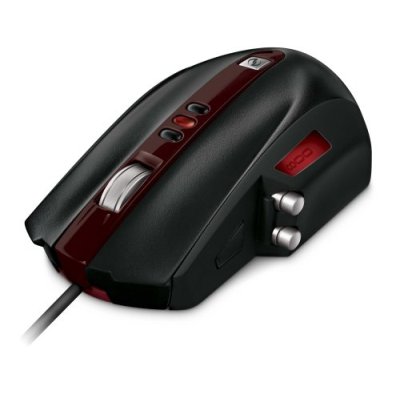
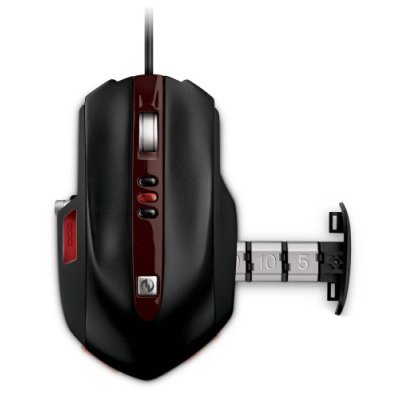
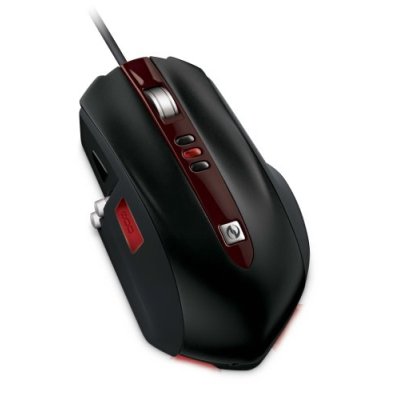
Microsoft SideWinder Gaming Mouse
On-the-Fly DPI Switching – Three buttons instantly switch between DPI 400, 800, and 2000 or you can customize settings using special software
LCD Display on a Mouse – DPI settings and macro recording icons are displayed on the mouse to reduce on-screen interference
Cable Anchor & Accessories Storage Box – Enjoy wired performance with the feel of wireless, easily adjust your cable configuration, and conveniently stow away your accessories
Quick Launch Button – One-touch takes you to Games Explorer in Windows Vista.